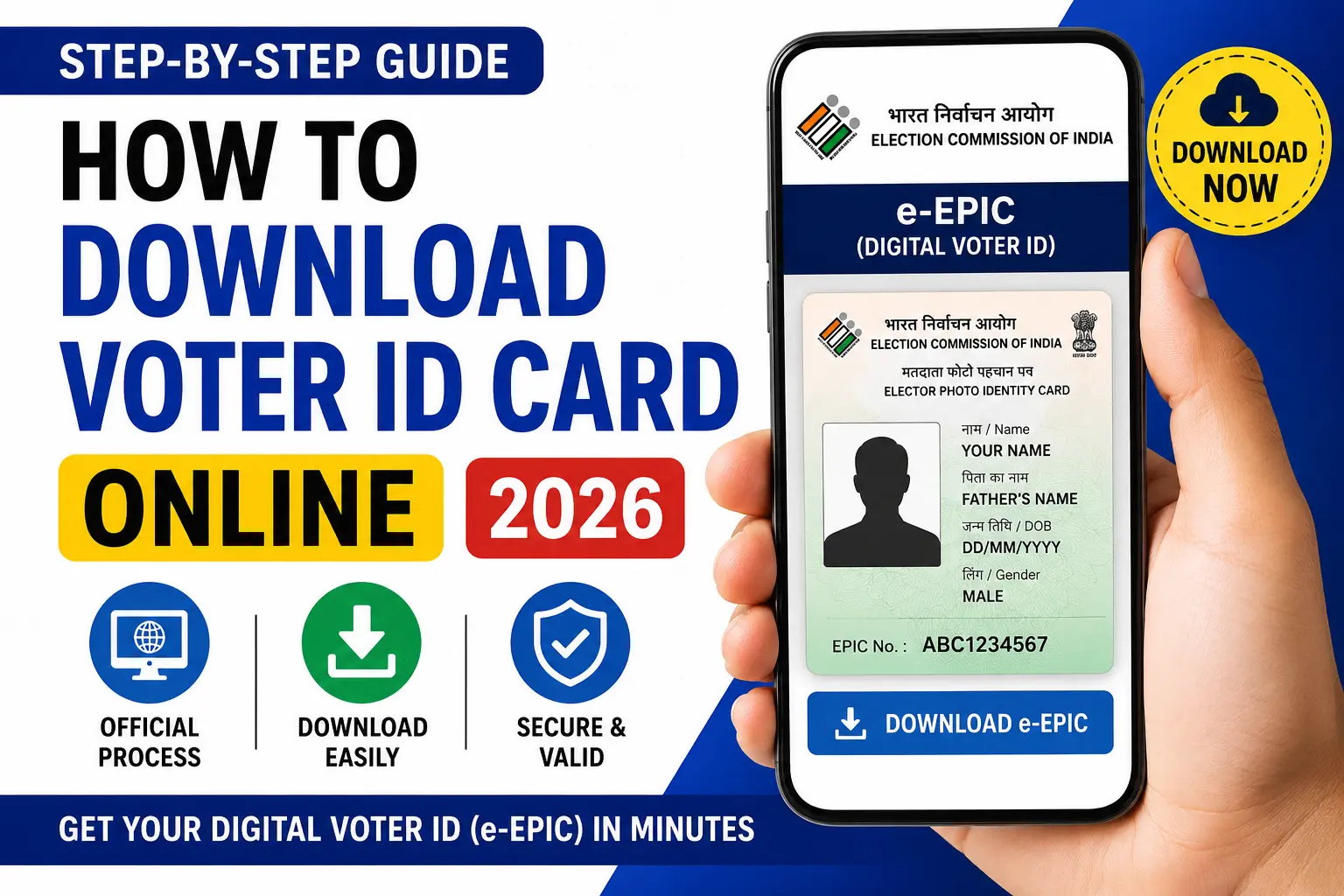
How to Download Indian Voter ID Card Online in 2026: Carrying a Physical Voter ID is not an easy task in this fastest era. So everyone is trying to avoid holding more things in their hands. Technology is growing faster and smarter in every day. her the government department finded out an solution that provides the VOTER ID in online. Through official website. This also help you to download and convert it into PVC card format.
Here is the step by step guide to get your digital Voter ID
What Exactly Is an e-EPIC?
e-EPIC is short for Electronic Electoral Photo Identity Card — basically your Voter ID, but digital. It carries the same information as the physical card:
- Name
- EPIC number
- Photograph
- Address
- Date of birth
- Gender
You get it as a PDF, so it can sit on your phone, your laptop, or in cloud storage — wherever you’re likely to need it in a hurry.
Who’s Eligible to Download One?
If you’re already a registered voter, you can almost certainly download your e-EPIC. The one catch is verification: you’ll need access to the mobile number linked to your voter record, since that’s how the portal confirms it’s really you.
Before you start, have these ready:
- Your EPIC number (Voter ID number)
- The mobile number tied to your voter record
- A way to receive OTP messages
Don’t know your EPIC number off the top of your head? You can look it up on the voter services portal using basic personal details — name, date of birth, that sort of thing.
Downloading Your Voter ID Card: Step by Step
Step 1: Go to the Voter Services Portal
Head to the official website run by the Election Commission of India.
Step 2: Log In (or Set Up an Account)
Already registered? Sign in with your mobile number, email, or EPIC number. First time here? Account creation takes a few minutes — nothing complicated.
Step 3: Verify Your Mobile Number
An OTP lands on your registered number. Punch it in to verify your account.
Step 4: Locate the e-EPIC Section
Once you’re logged in, look for the e-EPIC download option — that’s where the digital cards live.
Step 5: Enter Your EPIC Number
Type in your Voter ID number and move to the next step.
Step 6: Verify Again
Yes, there’s usually a second OTP check. It’s just an extra layer to confirm it’s really you.
Step 7: Download
That’s it — your e-EPIC downloads as a PDF. Save it somewhere you’ll actually remember.
Things That Sometimes Go Wrong
Most people sail through this without a hitch, but a few snags do come up.
No Mobile Number on Record
If your voter record doesn’t have a linked mobile number, you’ll need to get that updated first — the download won’t go through without it.
A Typo on Your Card
Spotted a misspelled name or a wrong address? Don’t download yet. File a correction request first, then grab the updated version once it’s fixed.
OTP Never Arrives
A few things to try:
- Check that your network actually has signal
- Give it a couple of minutes — delays happen
- Request the OTP again
- Make sure you’re using the number actually registered with your record
Can’t Log In At All
Recheck your credentials carefully. Forgotten your password? There’s a recovery option right there on the portal.
Is It Actually Worth Keeping a Digital Copy?
A lot of people still treat the physical card as the only one that matters. But the digital version pulls its weight too:
- It’s always in your pocket — literally, on your phone
- You can’t lose it the way you can lose a laminated card
- Handy when you’re traveling and didn’t pack the original
- Pulls up instantly when some form or service asks for ID
- Backed up safely online, not just in a drawer somewhere
When you’re caught off guard needing ID proof, having this saved already can save you a genuinely stressful half hour.
Quick Questions People Ask
Is the digital Voter ID actually legal to use?
Yes — the e-EPIC is officially issued by the Election Commission of India and carries the same legal standing as the physical card.
Can I just print it out?
Sure. Print the PDF and treat it as a backup copy.
Does it cost anything?
Nothing. It’s free through the official portal.
What if I don’t have my EPIC number?
You’ll need to search for your voter details first to retrieve it before downloading.
Will the PDF work fine on my phone?
Yes, no issues there — store it and pull it up whenever you need it.
Bottom Line
Downloading your Voter ID online is one of those small things that takes five minutes now and saves you a headache later. Once it’s on your phone, you’re covered — no more digging through drawers hoping the physical card turns up.
If you haven’t downloaded yours yet, today’s as good a day as any.
Stay connected with SpotNews Kerala for more guides on government services, certificates, pensions, schemes, and online applications.