How to Download Aadhaar Card Online in 2026: Aadhaar has quietly become the one document you can’t afford to not have. Banking, SIM verification, income tax filing, government schemes , it comes up everywhere. So when the physical card goes missing, it’s more than just inconvenient.
The good news is that UIDAI lets you download a digital copy straight from their official website, and the whole thing takes about five minutes. You don’t need to visit any office or stand in any queue.
Here’s exactly how it works.
What Is e-Aadhaar?
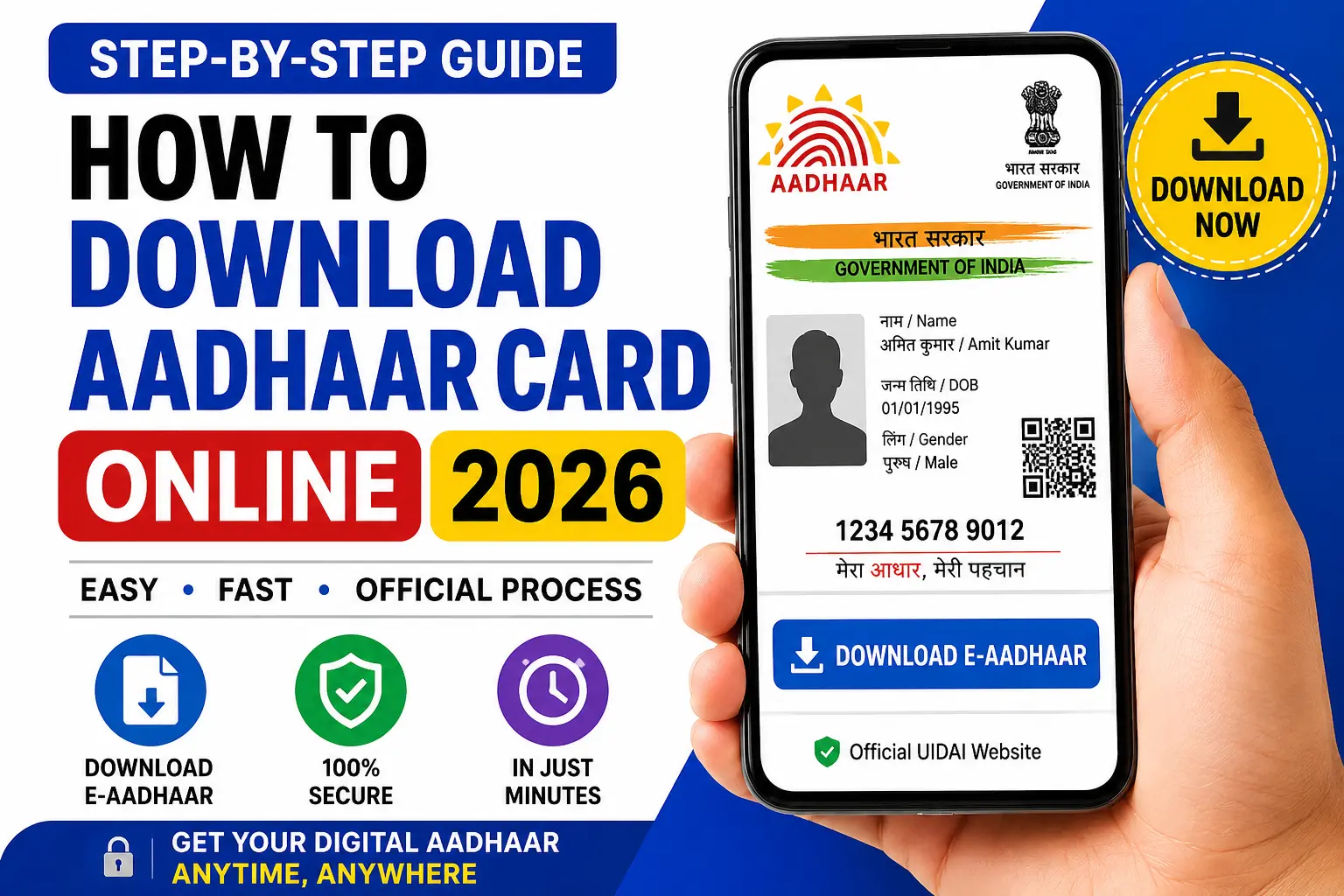
e-Aadhaar is the digital version of your Aadhaar card, officially issued by the Unique Identification Authority of India (UIDAI). It carries all the same information as the physical card:
- Aadhaar Number
- Name
- Date of Birth
- Gender
- Address
- Photograph
- QR Code for verification
It comes as a password-protected PDF and carries the same legal weight as the physical card — you can use it anywhere Aadhaar is accepted.
Before You Start — What You’ll Need
- Your Aadhaar Number (12 digits), Enrollment ID (EID), or Virtual ID (VID) — any one of these works
- The mobile number linked to your Aadhaar, since verification goes through an OTP
- A working internet connection
That’s it. No documents to scan, no forms to fill offline.
Downloading Your Aadhaar — Step by Step
Step 1: Go to the UIDAI website.
Open the official UIDAI portal and head to the Aadhaar download section.
Step 2: Select “Download Aadhaar”
Click the download option on the page.
Step 3: Enter Your Details
Put in whichever ID you have — Aadhaar Number, EID, or VID. Then complete the captcha on screen.
Step 4: Request an OTP
Click “Send OTP.” It goes to the mobile number registered with your Aadhaar.
Step 5: Enter the OTP
Type in the OTP and submit.
Step 6: Download
Once verification clears, the e-Aadhaar PDF downloads to your device. Save it somewhere you’ll actually find it later.
The PDF Is Asking for a Password — What Is It?
Almost everyone hits this the first time. The PDF is password-protected, which is actually a security feature, not a glitch.
The password follows this format:
First four letters of your name (in CAPITALS) + your birth year
Example:
Name: Rahul Kumar → RAHU
Birth Year: 1998
Password: RAHU1998
Type that in and the file opens normally.
Forgotten Your Aadhaar Number?
It happens. The UIDAI portal has a separate option to retrieve your Aadhaar details using your registered mobile number or email address — it runs through a quick identity verification and gets you back on track.
When Things Don’t Go Smoothly
OTP Isn’t Coming Through
- Check that you have network coverage
- Make sure the registered number is still active and in use
- Wait a minute or two — sometimes there’s a delay — then try requesting it again
Mobile Number Not Linked to Aadhaar
Without a linked mobile number, the OTP-based download won’t work. You’ll need to get your number updated with Aadhaar first.
Wrong Details on Your Card
Name spelt wrong, old address, incorrect date of birth? It’s worth fixing that through the official Aadhaar update process before downloading, so you’re not saving an outdated copy.
Frequently Asked Questions
Is e-Aadhaar actually valid to use?
Yes — it’s digitally signed by UIDAI and treated exactly like the physical card.
Can I print it?
Absolutely. Print the PDF and use it wherever the original would be accepted.
Does it cost anything?
Nothing. Downloads from the official UIDAI portal are completely free.
What if I don’t have my registered number with me?
OTP verification is the standard method, so you’ll generally need access to that number. The UIDAI portal does offer some alternative verification options worth checking if you’re in a bind.
Can I store it on my phone?
Yes — the PDF works fine on any smartphone, or you can back it up to cloud storage.
Bottom Line
Five minutes, no office visit, no fee. If you haven’t already saved your e-Aadhaar somewhere accessible, it’s one of those small things worth doing before you actually need it in a hurry.
Stay connected with SpotNews Kerala for more guides on government services, certificates, pensions, schemes, education, and online applications.